
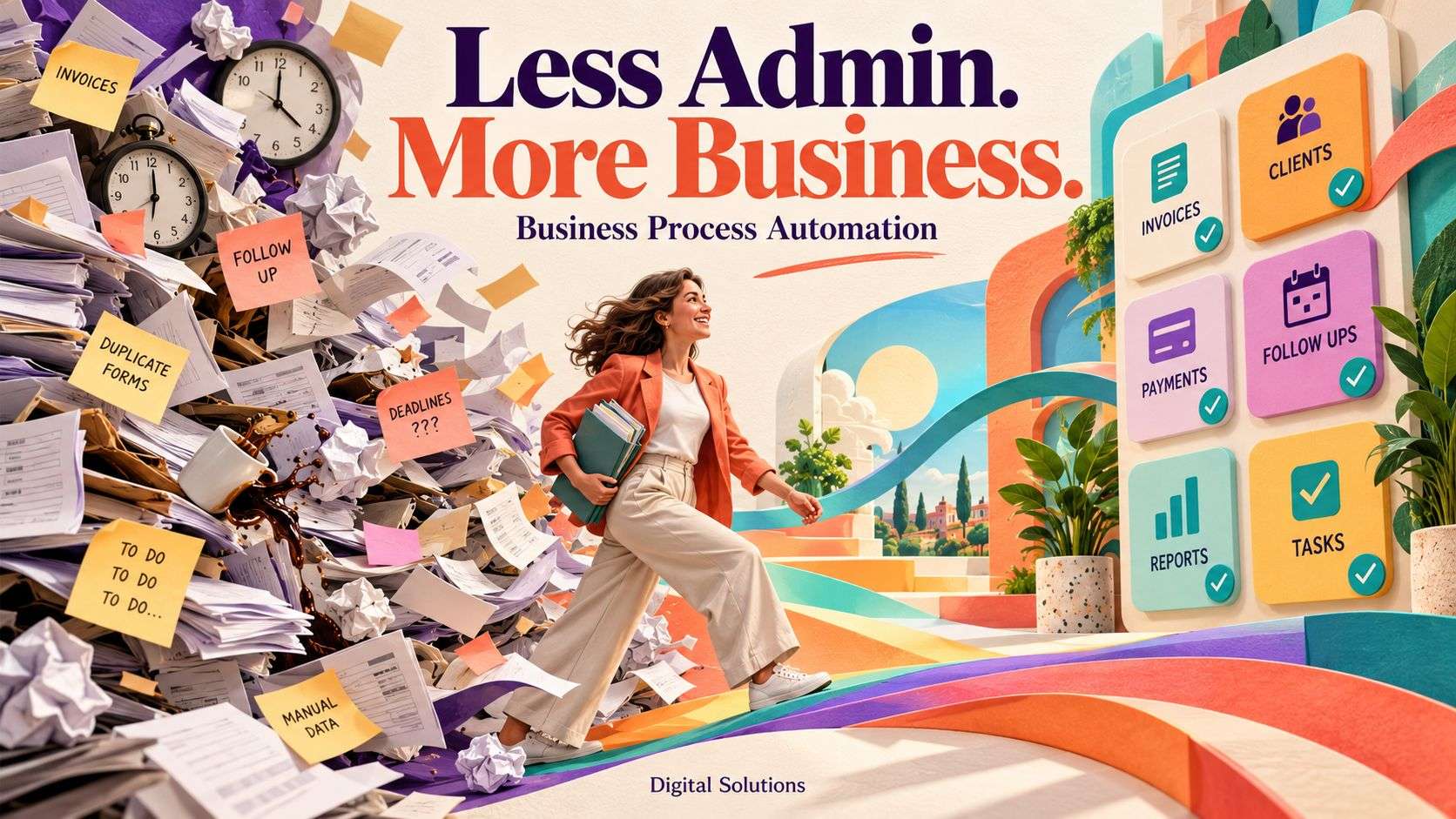
Want to spend less time on repetitive admin? Explore custom software development from Digital Solutions.
How much of your working day disappears into chasing replies, copying information, sending reminders and updating spreadsheets?
These jobs keep your business moving, but they can also stop your team from getting on with the work customers pay you to do.
Business process automation uses software to carry out agreed steps automatically. It could mean creating a task when an enquiry arrives, sending an appointment reminder or preparing a report from information you already hold.
You can start with one process. Here are seven practical options.
1. Sending enquiries to the right person
A new enquiry lands in a shared inbox. Who should answer it? Has anyone picked it up? Has the customer heard back?
Automation can help give each enquiry a clear route through your business.
A website form could automatically:
- Create an enquiry record.
- Assign it according to the service or location selected.
- Notify the responsible colleague.
- Send the customer an acknowledgement.
- Create a follow-up task.
For example: A maintenance company routes repair requests to its service team and installation enquiries to its sales team.
Where messages need interpreting, AI may help categorise them. A structured form can often do the job using simple rules.
2. Sending appointment reminders
Manually reminding customers about appointments takes time, particularly when bookings change.
A connected booking system can send reminders at agreed intervals and include the information customers need before attending.
For example: A service business sends a reminder the day before an appointment, including the time, location and a link to request a change.
The process should use the latest booking information so cancelled or rescheduled appointments do not trigger incorrect reminders.
3. Following up outstanding invoices
Checking payment records and preparing reminder emails can become a regular administrative job.
Automation can identify invoices that meet your agreed conditions and prepare or send an appropriate reminder.
For example: An unpaid invoice is flagged after its due date. The system checks its payment status before sending a reminder and records the action.
You can exclude disputed invoices, customers with agreed payment arrangements and accounts that require personal handling. Staff can approve reminders before they go out.
4. Turning accepted quotes into jobs
A customer accepts a quote. Someone then creates a job, copies across the details and tells the delivery team.
Business process automation can connect these steps.
An accepted quote could create a project or job record containing the customer details, agreed scope and relevant documents. It could also assign initial tasks to the team.
For example: A contractor’s approved quote creates a new job with the site address, work description and agreed price.
The process needs clear rules about what counts as acceptance and which details should transfer.
5. Collecting information from new customers
Starting work often involves chasing contact details, documents, preferences and other information.
An automated onboarding process can send a welcome message, provide a form and track what is still missing.
For example: A new client receives a checklist of information required before their project starts. Completed items are recorded, and missing items are flagged for follow-up.
Your team can see what is ready without searching through several email conversations.
6. Preparing routine reports
Does someone spend every Friday gathering figures from different systems?
Automation can collect agreed information and prepare a report or update a dashboard.
This could include:
- New enquiries and their status.
- Upcoming bookings.
- Open jobs and overdue tasks.
- Sales or stock information.
- Items requiring a manager’s attention.
For example: A manager receives a weekly report showing outstanding jobs, approaching deadlines and tasks awaiting approval.
The report should identify its data sources and when the information was last updated. Important figures still need checking.
7. Managing internal approvals
Requests can get lost when approvals happen across emails, messages and verbal conversations.
An automated workflow can send a request to the correct person, record their decision and notify the next person who needs to act.
For example: A purchase request goes to a manager. Once approved, it moves to the person responsible for ordering. If it remains unanswered, the system sends a reminder.
You can set different approval routes according to the type of request or its value.
Does business process automation need AI?
Many processes work well with fixed rules.
Sending a reminder before an appointment or creating a job after an approved quote usually does not require AI.
AI can help when the task involves interpreting information, such as understanding an email, extracting details from a document or drafting a response.
The right solution uses each approach where it is useful. That helps keep the process manageable and avoids unnecessary complexity.
What should you automate first?
Choose a task that happens frequently, follows a reasonably consistent process and takes up measurable staff time.
Before building anything, ask:
- How often does this task happen?
- How long does it take?
- Which steps follow clear rules?
- Which decisions need a person?
- What happens when information is missing or incorrect?
Write down how the process works today. Include the exceptions your team deals with, because these are easy to overlook.
A process that regularly changes or relies heavily on judgement may need improving before it is suitable for automation.
How do you work out whether it is worthwhile?
Measure the time spent on the current task and compare it with the cost of developing and maintaining the automation.
For illustration, a task that takes 10 minutes and happens 30 times a week uses five hours of staff time. Automation may reduce some of that work, although checking exceptions and maintaining the system will still take time.
You can also measure response times, missed follow-ups and corrections. Saving time is useful, but a more reliable process can matter just as much.
Build a process your team can trust
A useful automation should make its actions visible and give staff a way to deal with problems.
If a connected system is unavailable or a record is incomplete, the workflow should record the issue and alert the right person.
Start with a focused process, test it with realistic examples and check the results before expanding its role.
Give your team more time for customers
Business process automation can help reduce the routine steps that fill your working day.
At Digital Solutions, we develop custom software, integrations and AI solutions around the way your business works. We can help identify a practical starting point and connect the systems needed to support it.
Which task does your team repeat every week that you would like to make easier?
Explore our custom software development services to discuss your business process.