
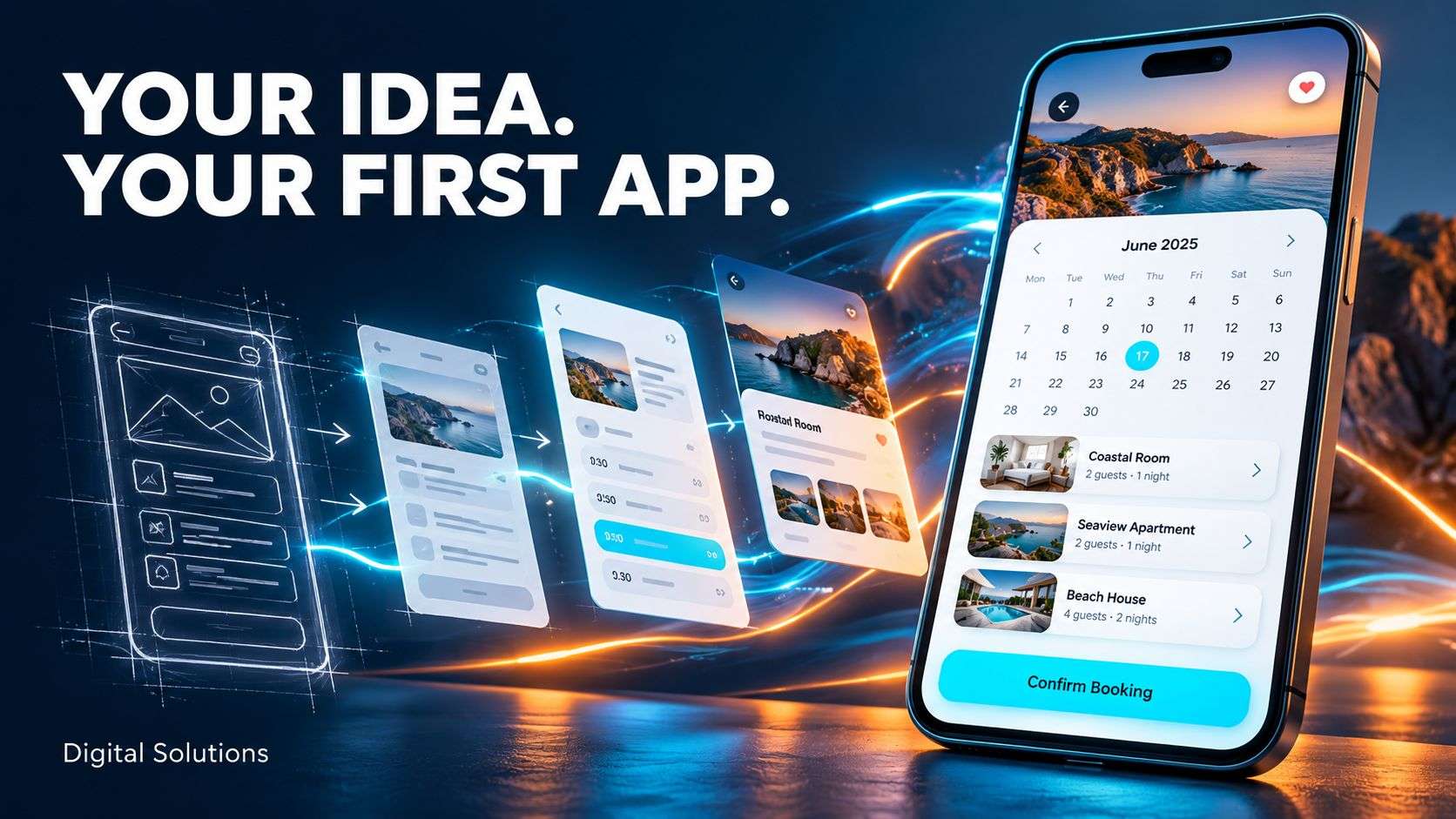
Have an idea for a business app? Explore our mobile app development services to see how Digital Solutions can help bring it to life.
Mobile app development starts with deciding what your app needs to do. It can be tempting to include every feature you can think of, but each addition affects the budget, development time and testing.
A focused first version helps you launch a useful product, gather feedback and make informed decisions about what to build next.
Start with the problem your app will solve
Before listing features, describe the main problem your app will address.
Perhaps your customers need an easier way to book appointments. Your staff may need to complete inspections on site. Or your business could benefit from giving customers access to orders, documents and updates through their phones.
Ask yourself:
- Who will use the app?
- What task do they need to complete?
- How do they complete that task today?
- What would make the process easier?
These answers give your developer a clear starting point.
Choose the essential user journey
Your first version should allow users to complete the main task from beginning to end.
For a booking app, that might mean choosing a service, selecting an available time and receiving confirmation.
For an inspection app, it might mean opening a job, completing a checklist, adding photographs and submitting the report.
For a membership app, it could mean registering, paying for membership and accessing the relevant content.
Write out those steps before adding extra features. This helps identify what the app needs to work properly.
Which features should you include?
The features you need will depend on the purpose of your app. Common requirements include:
Accounts and sign-in
Accounts are useful when people need to save information, access private content or view their history. Some apps can work without an account, so consider whether signing in is necessary.
The main service
Booking, reporting, ordering or accessing content should be straightforward. Users need clear buttons, readable text and an obvious next step.
An admin panel
You may need an admin panel to manage users, update content, handle bookings or review submitted information.
Plan this alongside the app. Your team needs a practical way to manage the service once people start using it.
Notifications
Notifications can confirm bookings, flag changes or remind users about something they need to do. Choose messages that serve a clear purpose and give users appropriate control over them.
Payments
If the app takes payments, explain what users are buying and how they will pay. One-off purchases, subscriptions and digital content can require different payment arrangements.
Discuss these requirements early because they affect how the app is built.
Decide what can wait
Some features may be valuable later without being essential for launch.
These could include advanced reporting, loyalty programmes, additional languages, social features or personalised recommendations.
Separate your ideas into three groups:
- Essential for launch: users need these to complete the main task.
- Useful after launch: these improve the experience once the core app is working.
- Future possibilities: these need more feedback before you invest in them.
This gives you a clear first phase and a sensible direction for future development.
Choose iPhone, Android or both
Think about the devices your intended users have.
A customer app may need to support both iPhone and Android. An internal staff app could initially support the devices your business already provides.
Tell your developer whether the app needs access to the camera, location, Bluetooth or other phone features. Also explain whether people will use it in areas with poor internet access.
These details help determine the right development approach.
Keep the initial budget manageable
Clear requirements make it easier to estimate costs and control the scope.
Describe what each feature needs to do. For example, “users can book appointments” leaves several questions unanswered. Can they choose a member of staff? Pay a deposit? Cancel or reschedule? Book more than one service?
Agreeing these details early reduces uncertainty and helps prevent unexpected additions during development.
You can also ask your developer to price the essential first version separately from later features.
Test the app with real users
Before launch, let a small group of intended users try the app.
Ask them to complete its main task and observe where they get stuck. Can they understand the screens? Find the right buttons? Correct a mistake?
Test the admin panel too. Your team should be able to manage everyday tasks without unnecessary manual work.
Use the feedback to improve the first version before opening it to a wider audience.
Plan for what happens after launch
Mobile app development continues after the first release.
Discuss maintenance, hosting, updates and support with your developer. Agree who will manage the app store accounts and clarify the ownership and access arrangements for the source code and business data.
You should also decide how you will collect user feedback. That feedback can help you prioritise improvements based on actual use.
Turn your idea into a practical first version
Your first app needs a clear purpose, an easy user journey and the features required to deliver its main service.
At Digital Solutions, we help businesses plan and develop mobile apps around their customers, staff and day-to-day operations.
Find out about our mobile app development services or contact Digital Solutions to discuss your idea.