Audit trail software records who created, changed, approved or deleted a record, what changed and when. It gives you a reliable history for answering customer questions, resolving disputes, meeting compliance requirements and spotting mistakes, without relying on anyone’s memory.
What an audit trail records
- Who: the user who made the change.
- What: the record and the field affected, with the old and new values.
- When: the date and time.
- Action: created, edited, approved, rejected, deleted or exported.
- Where from: the app, the office system or an integration.
Why businesses need one
- Customer questions: “When did we agree this price?” can be answered in seconds.
- Compliance: safety inspections, certificates and financial records often need a provable history.
- Accountability: clear records of approvals for expenses, quotes and purchases.
- Mistakes: find and correct errors, and see how they happened.
- Security: spot unusual activity, such as records changed after a staff member has left.
Where audit trails matter most
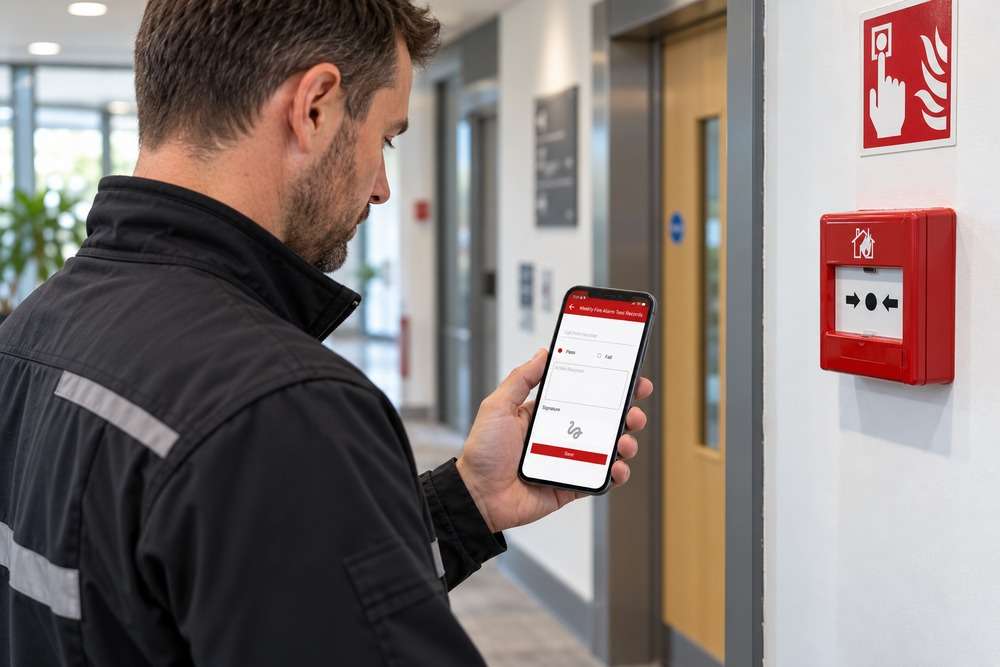
Inspections and certificates: in Terry’s fire door Fire Survey System, site information, photos and client sign-off are captured on the app. A signed record of what was completed, and when, is exactly the kind of history an audit trail protects.
Staff records: in the system we built for Force One, vehicle checks, site audits, timesheets and expenses are submitted through the staff app and reviewed in the office. Knowing who submitted, changed or approved each one matters for safety and payroll.
Construction records: the SitePro app includes drawing control, requests for information and quality control checklists. Knowing which drawing revision was used and who answered a question protects everyone on the project.
Quotes: recording which version of a quote a customer accepted. See online quote approval.
What to decide before building it
- Which records and actions need tracking. Not everything does.
- Who can view the history.
- How long records are kept.
- Whether history can be exported for auditors or insurers.
- That audit records cannot be edited or deleted by normal users.
Audit trail vs backup
A backup lets you restore data after a failure. An audit trail tells you how data changed over time. You need both. See rolling back software updates.
Common questions
Can an audit trail be added to our existing system?
Often, yes, depending on how it was built. Changes from the point it is added onwards can be tracked. See adding features to existing software.
Does it slow the system down?
Not noticeably when designed properly.
What a good audit history looks like
An audit trail is only useful if people can read it. The history for a record should show changes in date order, in plain language, such as “Status changed from Quoted to Approved by Sarah, 12 March, 14:32”. Filters by person, date and type of change make it quick to answer a question without exporting spreadsheets.
Audit trails and data protection
Audit records often contain personal information, so they need the same care as the rest of your data. Agree who can view them, how long they are kept and how they are deleted at the end of that period. For most small businesses, a sensible retention period is guided by your contracts, insurance and industry rules.
Can an audit trail prove a customer approved something?
It can show who approved, when and which version, which is strong evidence. Combined with a signature on site, as in Terry’s Fire Survey System, it gives a clear record of what was agreed and completed.
Should we track every field?
No. Track the records and fields that matter for money, safety, compliance and customer commitments. Tracking everything creates noise that hides the important changes.
Next step
If you need a clearer record of who did what in your business systems, book a free 15-minute software review.