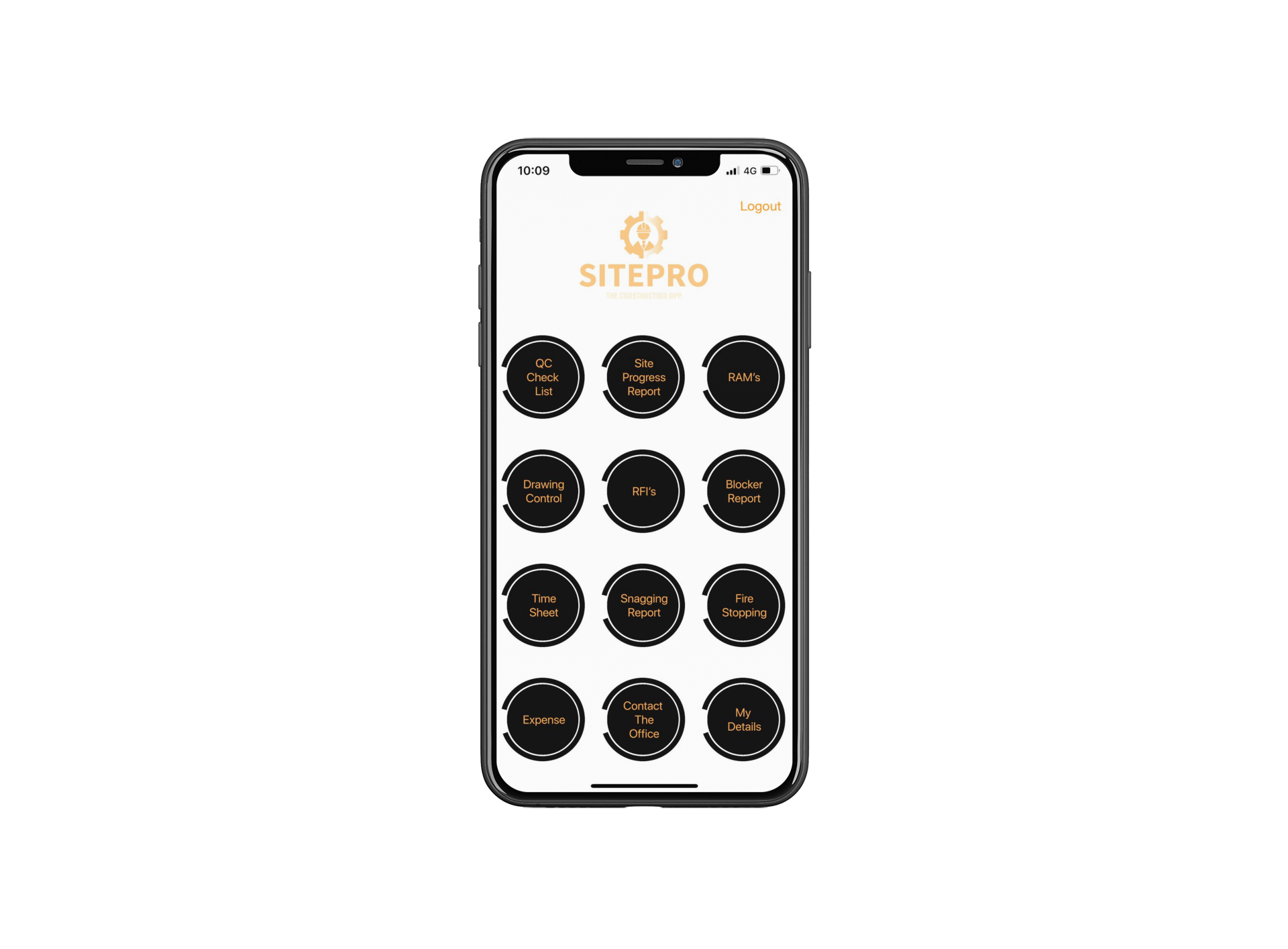
SitePro is a construction site management app we built to get information from site to the office in a consistent, usable form. It brings quality control checklists, progress reports, RAMS, drawings, requests for information, blockers, snagging, timesheets, expenses and fire stopping records into one app, with an office system behind it.
The problem SitePro solves
On construction sites, information is often scattered: paper checklists, photos on personal phones, questions by text message and timesheets in a pile on the office desk. In one construction business we worked with, an office employee spent around half their time chasing timesheets or trying to read handwriting. Problems like that slow projects down and cost money.
What is in the app
- Quality control checklists for consistent inspections.
- Site progress reports with photos.
- Drawing control so teams work from the right drawings.
- Requests for information to raise and track questions.
- Blocker reports for anything stopping work.
- Snagging reports for issues that need correcting.
- Fire stopping records.
- RAMS (risk assessments and method statements) available on site.
- My Details for staff to check and update their own information.
- Timesheets and expenses.
- Access to the office for communication.
Snags versus blockers
A snag records something that needs correcting. A blocker records something stopping work from progressing, such as a missing drawing, an unanswered question or a delivery that has not arrived. Keeping them separate helps the office decide whether it needs remedial work, information or an approval, and act on the real obstacle.
Timesheets and expenses that do not need chasing
With digital timesheets, submissions arrive complete and legible, and the office reviews them in an admin panel instead of chasing paper. For expenses, staff photograph receipts, check the details the app fills in, and submit. Office staff review and approve. That removes a whole category of chasing.
Why bring it all into one app?
A progress update often needs context: which area is affected, which drawing relates to the work, and what question is stopping the next step. Having reports, drawings and questions in one place makes those links easy to follow, for site teams and the office.
What this means for your business
If you run construction, fit-out, M&E or maintenance projects, start with one real site task and follow it from creation to sign-off. Use your existing forms as the starting point, and test the screens with site staff before rollout.
Similar projects
Force One uses a staff app and office system for vehicle checks, site audits, timesheets and scheduling. EZE Shoring helps contractors calculate the trench components they need, with installation drawings, guides and checklists.
How we work
We start by talking through how your business works today, then agree the scope, cost and timing in a written proposal. Before development, we design the screens so you can see how the system will work and suggest changes. We build in phases, handing over working sections for you to test, and at completion you receive the software, source code and database, with a month of support.
Common questions
Can RAMS be signed on site?
Site apps can record that staff have read and accepted RAMS, with the date and time.
Can subcontractors use it?
Yes, with their own logins and access limited to their work. See contractor access.
Does it work where signal is poor?
Site apps can be designed to work offline and sync later. See offline working.
Can we choose which modules we need?
Yes. Start with the forms that cause the most problems and add the rest later.
Next step
If site information is slowing your projects down, book a free 15-minute software review.