
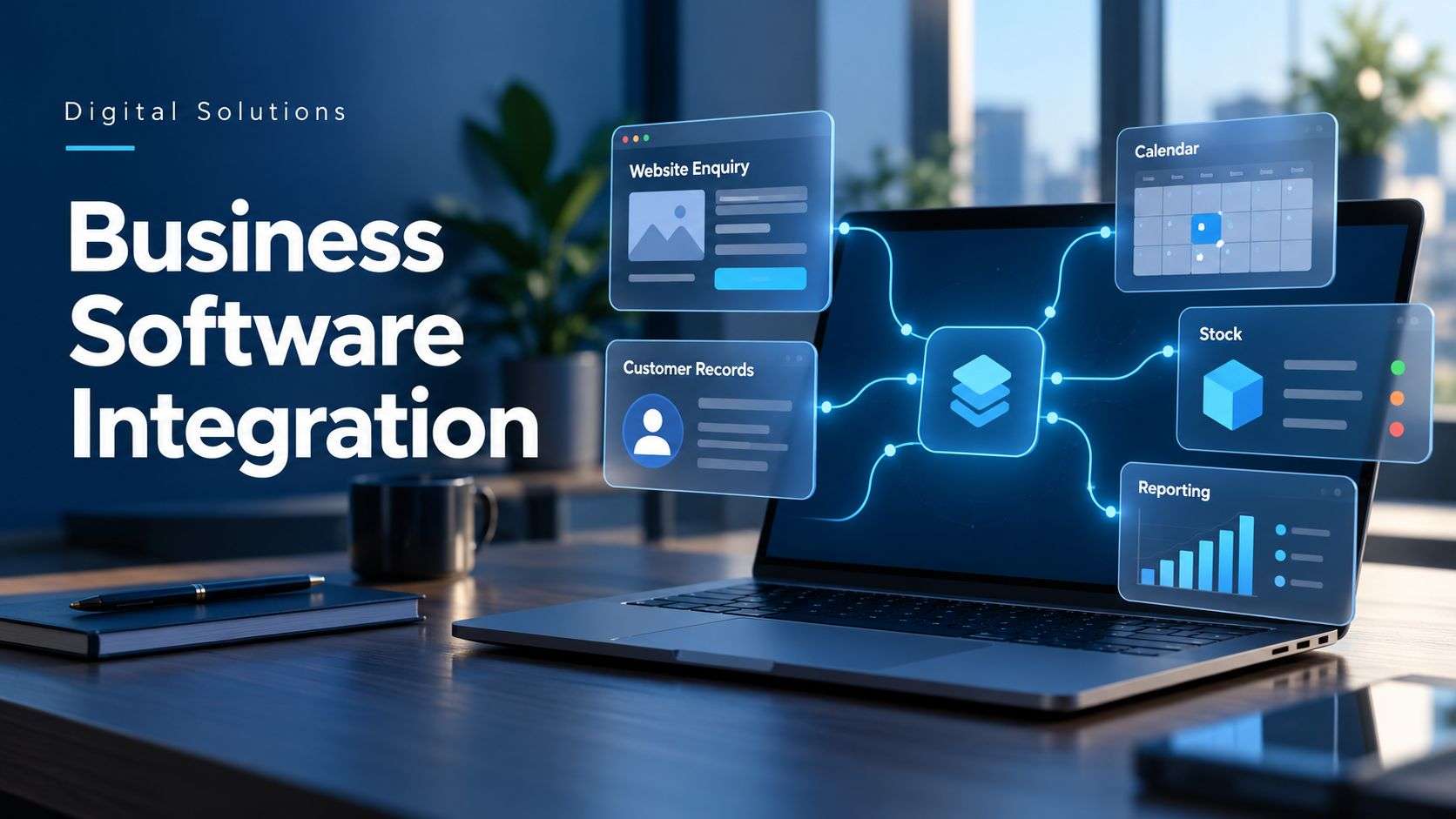
Want your business systems to work together? Explore custom software development from Digital Solutions.
A customer completes your website form. Someone copies their details into a spreadsheet, adds them to your customer database and sends a message to the sales team.
Later, another colleague enters the same information into your quoting or booking system.
Sound familiar?
Business software integration connects your systems so information can move between them automatically. It can reduce repeated data entry, help your team keep records consistent and make everyday processes easier to manage.
What is business software integration?
Business software integration allows different applications to exchange information and trigger agreed actions.
Your website, customer database, booking platform and accounts software may each do their own job well. Connecting them helps the whole process work more smoothly.
For example, a website enquiry could automatically create a customer record and assign a follow-up task. Your team can then focus on responding to the customer.
The connections available depend on the software you use and the information each system allows you to access.
Five signs your systems need connecting
1. You enter the same information more than once
If staff regularly copy customer details, order information or job references between systems, there may be an opportunity to automate the transfer.
Repeated entry takes time and creates more opportunities for typing errors.
2. Different systems show different information
A customer changes their phone number, but only one record gets updated. Someone else later uses the old details.
An integration can help keep selected information consistent, provided you define which system holds the authoritative record and how updates should work.
3. Staff spend time chasing progress updates
If colleagues regularly ask whether an enquiry has been assigned, a quote has been accepted or a job has been completed, your systems may be leaving gaps in the process.
Connected systems can share relevant status changes and notify the people who need to act.
4. Reports require several spreadsheets
Preparing a report can become a lengthy exercise when information is spread across different platforms.
An integration can bring agreed data into a reporting tool or dashboard, reducing the need to assemble it manually every time.
5. Customers have to repeat themselves
A customer may provide information through your website, then be asked for the same details when someone calls them.
Making that information available to the right staff can help create a more joined-up customer experience.
What could you connect?
Your website and customer database
A website form can create a new enquiry in your customer relationship management system, often called a CRM.
You can also include rules to assign the enquiry, flag missing details and create a task for someone to follow up.
Example: A customer requests a software quote. Their contact details and project description arrive in your CRM, ready for the sales team to review.
Your quoting and job management systems
An accepted quote could trigger the creation of a job or project, carrying across the agreed details.
This can help your delivery team start with the correct information and reduce the work involved in setting everything up.
Example: A building services business accepts a customer’s approval and creates a job record containing the site address, scope and agreed price.
Your booking and customer systems
Booking information can be shared with the staff who need it. Changes or cancellations can also update connected records.
Example: A customer changes their appointment. The booking system updates the relevant schedule and triggers a confirmation.
Your online shop and stock system
A suitable integration can pass order information between your shop and stock management platform.
The design needs to account for issues such as refunds, cancelled orders and stock sold through other channels.
Example: An online purchase updates the stock record and passes the order to the fulfilment team.
Your operational systems and reporting tools
Selected information can feed into a dashboard showing enquiries, jobs, bookings or other measures relevant to your business.
The dashboard should make clear how recently the information was updated.
Do you need AI to connect your software?
Many integrations work using straightforward rules.
“When this form is submitted, create an enquiry” is a predictable process that usually does not require AI.
AI may help when the information needs interpreting. For example, it could assist with categorising a written enquiry or extracting details from a document before passing them into another system.
The right solution may combine conventional automation with AI where it serves a useful purpose.
Can you connect the software you already use?
Often, yes.
Some platforms provide built-in integrations. Others offer an application programming interface, or API, that allows developers to exchange information between systems.
Older or restricted platforms may offer fewer options. In some cases, scheduled imports and exports can provide a practical alternative.
Before deciding on an approach, check:
- Which connections your software supports.
- What information can be read or updated.
- Whether your subscription includes integration access.
- How quickly updates need to happen.
- What should happen if a transfer fails.
These details influence both the development work and the ongoing cost.
What happens when something goes wrong?
A useful integration needs a plan for failures.
A system might be temporarily unavailable. A customer record might be missing a required field. The same enquiry might arrive twice.
Your integration should handle these situations appropriately—for example, by recording the issue, retrying a transfer or alerting a member of staff.
It should also prevent unnecessary duplicate records and make it possible to trace important changes.
How do you decide what to integrate first?
Start with a process that creates repeated work and has a clear outcome.
Ask your team:
- Where do we copy the same information?
- Which task causes the most delays?
- Where do mistakes regularly need correcting?
- What information do colleagues keep asking for?
Then measure how much time the process takes and how frequently it happens.
That gives you a practical basis for comparing the potential benefit with development, subscription and maintenance costs.
Make your systems work together
You do not need to connect everything at once. A focused integration between two systems can improve a specific process and give you a starting point for further changes.
At Digital Solutions, we develop custom software and integrations around the way your business works. We can assess your existing systems, identify the available connections and help reduce the manual steps between them.
Which information does your team keep copying from one system to another?
Explore our custom software development services to discuss how we could connect your business systems.