
A production order needs a trustworthy status
In a busy workshop, the office may be asked whether an order is ready while different employees hold different pieces of information. Materials might have arrived, one stage might be complete and another might still be waiting for inspection. A single note saying “in progress” does not explain what needs to happen next.
Manufacturing job tracking software can give people a shared record of each order, stage and exception. The objective is to make progress visible without burdening operators with unnecessary administration.
Follow an order through the factory
A practical system begins with a production order, product or part reference, required quantity and agreed date. Each stage can show whether work is waiting, started, completed or held. Where relevant, the record can include the person responsible and the date of the latest update.
Rather than designing the whole factory at once, trace one familiar item through the real process. Ask which information must be available at each handover and which checks must be completed before work can continue.
Handle scrap, rework and quality holds
A useful production status distinguishes finished quantity from items awaiting inspection, rejected items and goods that need rework. Without those distinctions, a dashboard can show the wrong available quantity and create promises the workshop cannot meet.
A quality hold should record the reason, who has authority to release it and what happens to affected stock. The process must also support corrections where an employee selected the wrong stage or quantity.
Make operator entry simple
Operators may be wearing gloves, working away from a desk or moving between machines. Data entry screens should therefore use clear labels, sensible defaults and as few steps as possible while still recording essential information.
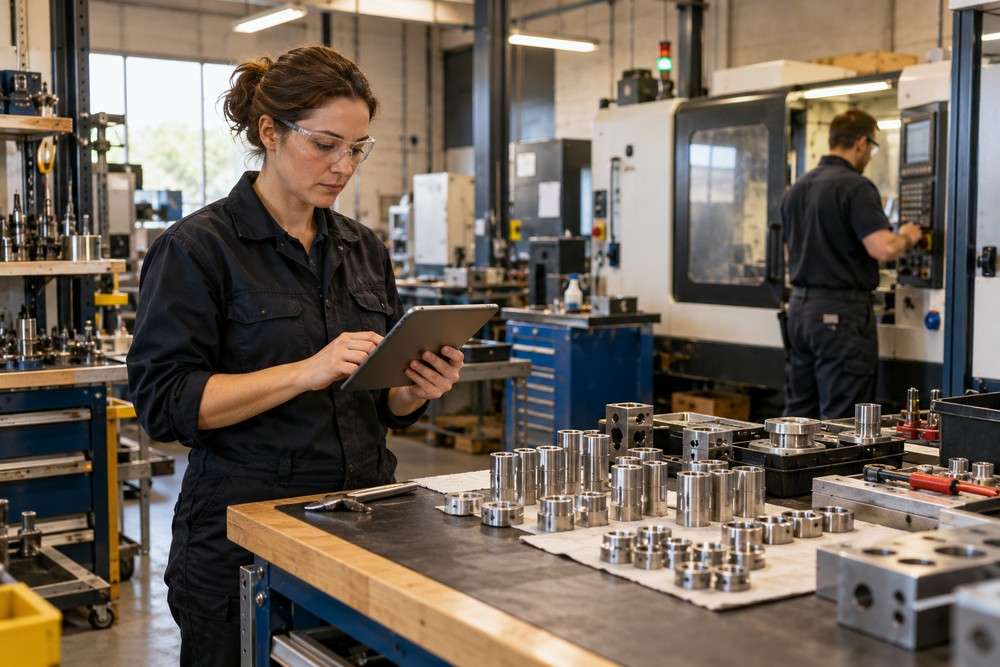
Tablet or mobile access can be helpful in some environments, but connectivity, device protection and working conditions need checking first. A paper fallback or offline handling may still be necessary if reliable network coverage is not available.
Connect work stages to the wider business
Production updates may need to inform purchasing, stores, customer service and dispatch. Integrations can be considered with existing stock or accounting systems where suitable interfaces exist, but the first priority is deciding which record owns each fact.
For example, issuing material to a job should not accidentally reduce the same stock twice because two systems both believe they control the balance. Agree identifiers, transfer rules and reconciliation checks before connecting the data.
What should a first version include?
Start with an order list, stage updates, quantities and a small number of meaningful exceptions. Test one normal order and one delayed or rejected order. The result should help staff answer practical questions about what is ready, what is blocked and who needs to act.
Digital Solutions helps manufacturers explore bespoke software where existing packages do not fit important production workflows.
Related reading
See our existing <a href=”https://www.digitalsolutions.help/manufacturing-software-solutions/”>manufacturing software solutions article</a> and learn about <a href=”https://www.digitalsolutions.help/custom-software-development-company/”>bespoke business software</a>.