
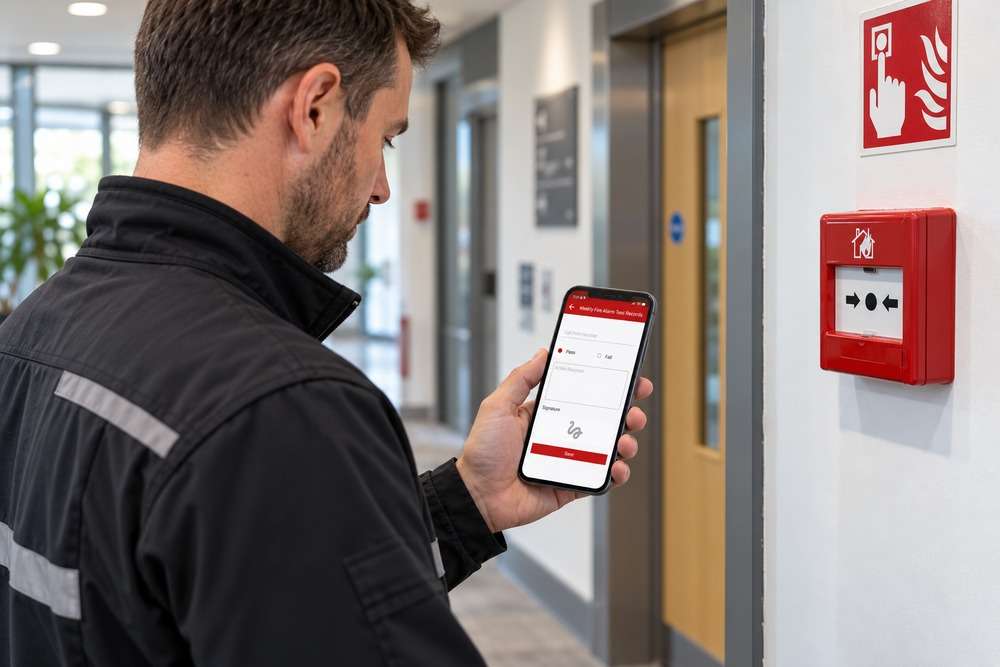
Yes, a mobile job screen can let staff capture or upload photographs within the job they are working on. The design should keep the job reference visible so images do not become detached from their context. Captions can explain what a photograph is intended to show.
How could this work in practice?
A technician could open the assigned visit, add before-and-after photographs and label a particular defect. Office staff can then review the images alongside the visit notes. If photographs need to appear in a customer report, decide which ones require review first.
What needs to be agreed before development?
Agree upload limits, access permissions and how unsuitable or accidental images are removed. Decide whether original files or resized versions are needed. If sites have poor connectivity, scope local storage and later synchronisation explicitly.
What should we check before using it?
Test interrupted uploads, several images at once and staff switching between jobs. The application should make upload status clear. A thumbnail on the phone should not be mistaken for confirmation that the office has received the file.
How can Digital Solutions help?
Digital Solutions can review your current process and scope the development needed for your business. Book a free 15-minute software review or visit https://www.digitalsolutions.help/.