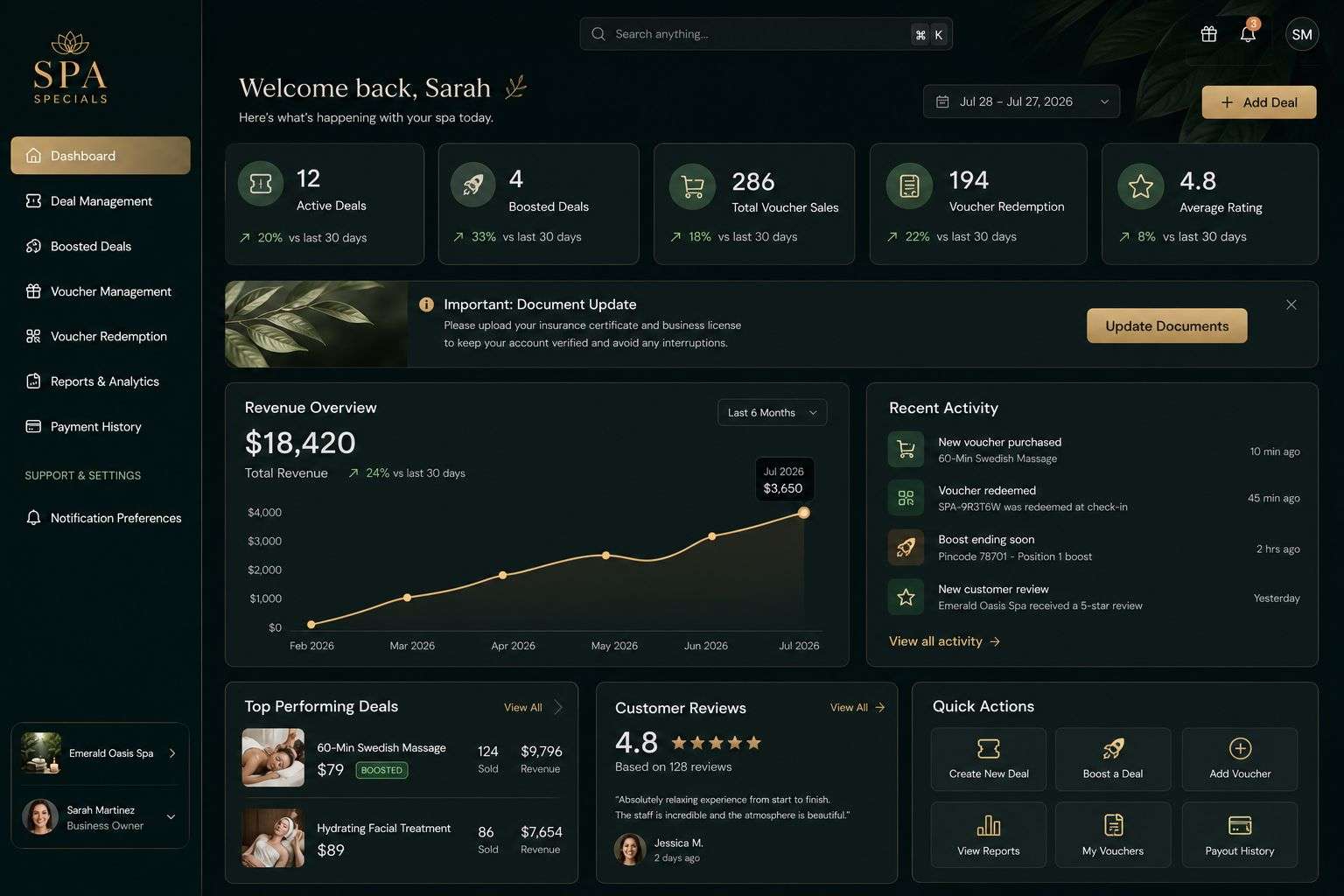
The first release of a SaaS platform needs to deliver a complete useful service to a defined customer. It also needs enough owner control to operate that service without relying on a developer for every everyday action.
A successful first version needs to solve a clear problem, work reliably and give customers a reason to keep using it. You can add more features once you have learned what they actually need.
What Is a SaaS Platform?
SaaS stands for software as a service. Customers access the software online, usually through a web browser or app, rather than installing a separate copy on their own systems.
A SaaS platform might help businesses manage staff, share documents, organise appointments or deliver a service to their customers. Depending on the product, users may pay a monthly or annual subscription.
Start With the Main Problem
Before planning screens and features, describe the problem in one sentence. For example:
“Small service businesses need a simpler way to manage customer bookings and staff availability.”
That sentence helps you decide what belongs in the first version. If a proposed feature does not help solve the main problem, it may be better saved for later.
It also helps to speak to potential users early. Ask how they deal with the problem now, what takes the most time and what would make them switch to a new tool.
Decide What Your First Version Needs
Your first version should let a customer complete the main task from start to finish. For a booking platform, that might mean creating an account, setting availability, taking a booking and confirming it.
You may also need basic tools to manage users and support them when something goes wrong. Beyond that, every extra feature adds design, development and testing work. A focused first release gives you a clearer way to find out whether the idea works.
Plan for the Work Behind the Screens
SaaS platform development involves more than the features customers see. You also need to consider:
- How users sign up and access their accounts
- What each type of user is allowed to see and change
- How customer data is stored and protected
- How subscriptions and payments will work, if required
- How you will handle support and updates
- What information you need to understand how people use the platform
These decisions are easier to make before development begins than after customers are already using the product.
Improve the Platform With Real Feedback
Once the first version is in use, pay attention to where customers get stuck and which features they return to. Their feedback can help you decide what to improve next.
That may mean simplifying a confusing step before adding a major new feature. Small improvements to the main experience can make a substantial difference to whether people continue using the platform.
Talk to Digital Solutions About Your Idea
At Digital Solutions, we help businesses turn software ideas into practical products. If you are planning a subscription service, explore our SaaS development service or contact us to discuss what your first version needs to do.
Plan the three levels of control
Our subscription-system work includes a super-admin panel for the platform owner. Beneath that, an organisation may need its own administration controls, while ordinary users need a clear way to complete their tasks.
Define what each level can see and change. Creating a useful user feature can require work at more than one of those levels, so include the complete flow when estimating the first version.
Keep product pricing with the client
We can explain the development needed for subscriptions, access rules and administration. The client decides the final prices and commercial offer. Record the charging requirements, but avoid adding features before deciding whether they are essential to the first usable service.
Related reading
SaaS Implementation Services: Moving Your Business to a New System
SaaS Customer Onboarding: Help New Users Get Started
Explore our custom software development and mobile app development services, or email info@digitalsolutions.help.