
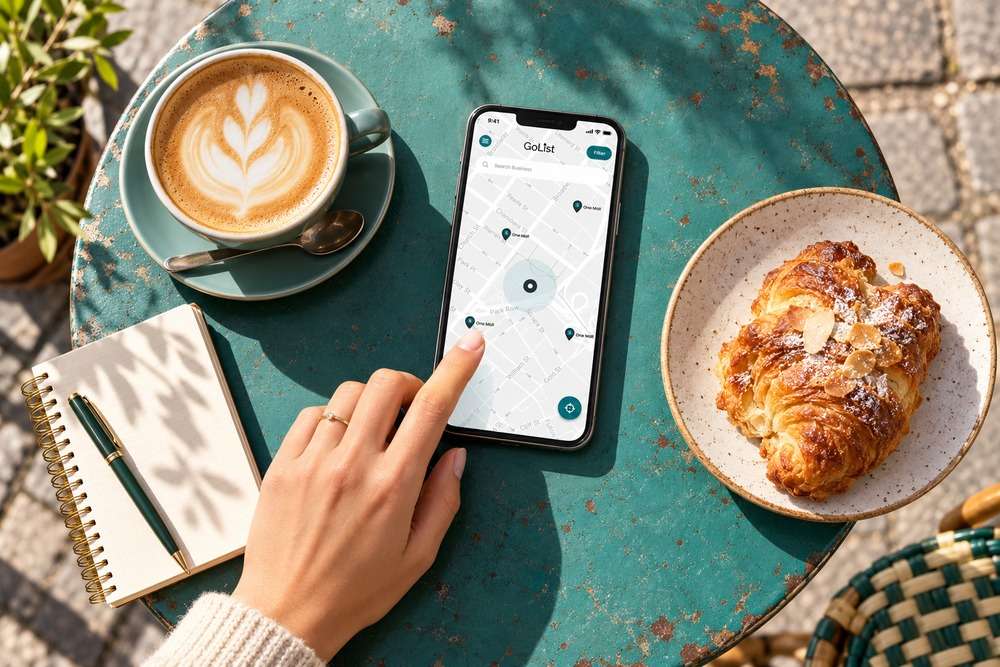
When someone looks for a nearby business, clear contact details and useful information can help them decide whom to contact. Our free Google Business Profile guide gives local business owners a starting point for understanding their profile and keeping it useful.
Use the free resource alongside this article:
Open the free guide or resource
Begin with accurate customer information
Review your business name, contact details, opening hours and the information that explains your services. Think about what someone needs before making a call or visiting. Useful photographs and genuine customer feedback can help them understand the business. Follow Google’s current eligibility and verification requirements for your particular business; an online-only operation should not assume it qualifies for a local profile. Some screens and verification options in older guides may differ from the current service. Use the guide as support and check the instructions shown in your own account. A profile can support discovery, but it cannot guarantee a position in search results.
Three actions to try
- Check that your customer-facing details are accurate.
- Review whether your business meets Google’s eligibility requirements.
- Choose one useful update and record when you completed it.
Questions and answers
Does a profile guarantee that my business appears first?
No. Search visibility varies. Focus on accurate information and useful content rather than promises of a guaranteed ranking.
Where can I ask questions and find more free help?
Cofi Business Network is 100% free. You can meet other business owners, share experience and explore practical ideas. Join whether you are starting out or already running an established business.
Join the free Cofi Business Network
Join the Cofi WhatsApp group to connect with the network and receive updates. Read about Cofi Business Network and explore our free small business resources. For meeting information, email info@digitalsolutions.help.