
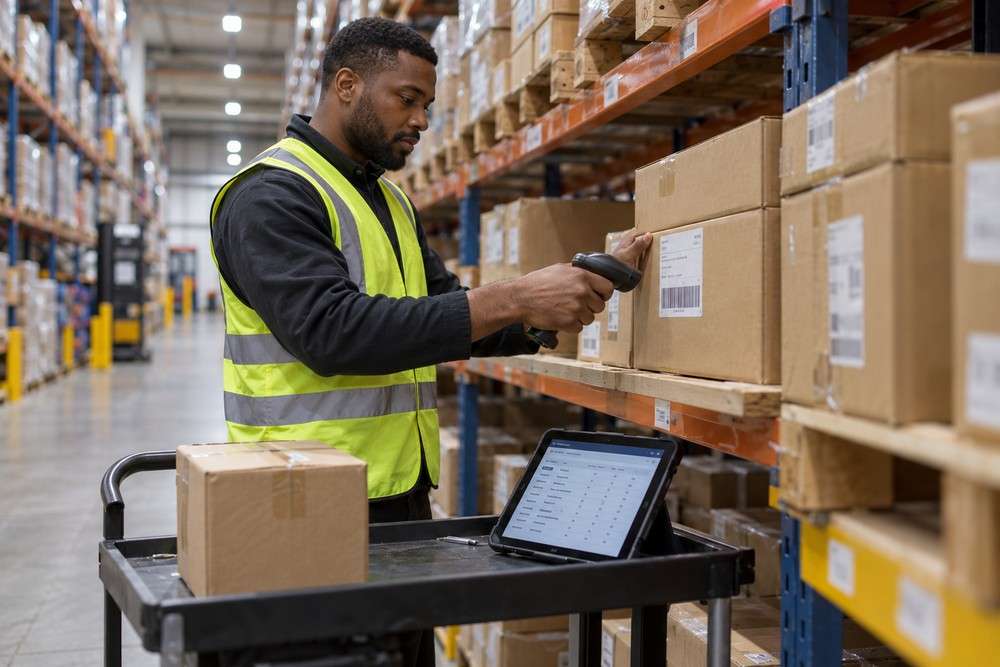
Bespoke software can connect device input to business records when the equipment provides a suitable interface. A barcode scanner, for example, can help staff identify an item without typing its code repeatedly.
Start with the device and the task
Some scanners behave like a keyboard, while others use a software interface or a connection supplied by the manufacturer. Establish the exact model, connection type and operating environment before estimating the integration. The scanner only provides input. The software still needs to decide what that input means: which product it identifies, what action is permitted and how the resulting stock movement or inspection record is saved.
Plan for normal working conditions
- Valid, unknown and damaged codes.
- Repeated scans and duplicate submissions.
- Incorrect items or quantities.
- Device disconnection and network loss.
- Staff confirmation and correction of records.
Try the process in the actual location. Lighting, gloves, distance and device mounting can affect whether a technically successful integration is practical for the people using it.
Questions and answers
Can we use our existing scanners?
Possibly. Review the models, documentation and available interfaces, then test representative hardware before committing to the design.
Can scanning automatically update stock?
It can trigger an agreed action, but the system should validate the item and movement. A scan alone does not prove the quantity or destination is correct.
What about sensors or specialist equipment?
Check manufacturer support, data formats, access and reliability requirements. Each device category may need a different approach.
What is a useful first stage?
Prove one complete task with the intended hardware, including invalid input and a recovery case. Expand only after the working process is understood.
Talk to Digital Solutions
Explore our custom software development services and previous projects. Tell us what you need to improve and we can help define a practical next step.