
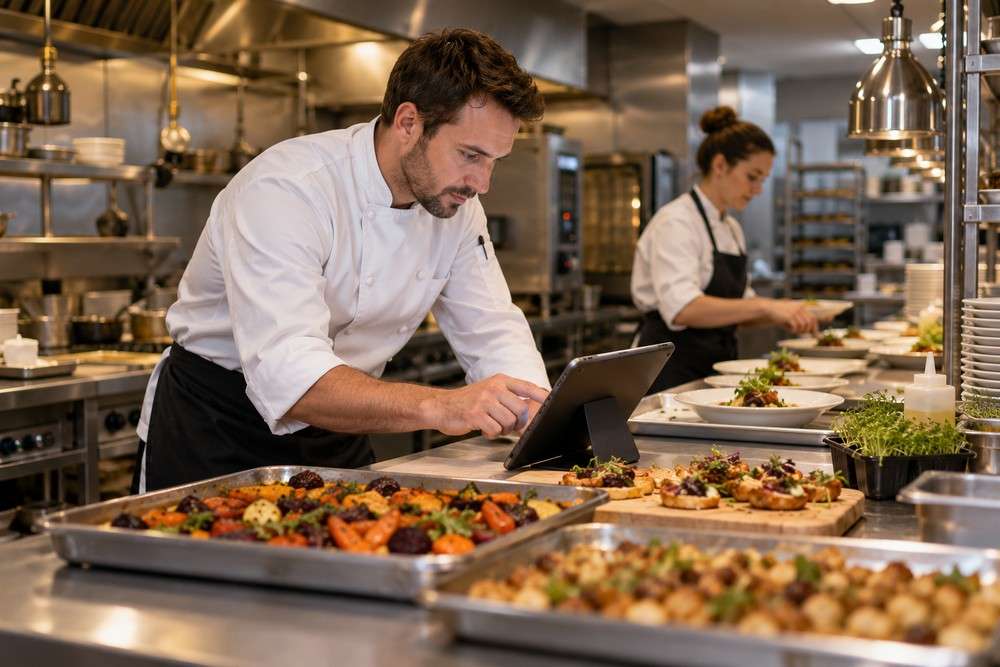
Restaurant and catering software solutions can organise catering enquiries, agreed menus and preparation schedules. A dedicated system can be scoped around event catering or connected operational tasks while retaining other restaurant tools that already work well.

What could the system include?
The features below are suggestions for a bespoke project. The final functions and connections would be agreed around your business requirements.
- Catering enquiries and orders
- Menu and package options
- Guest counts and quantities
- Preparation schedules
- Delivery and service instructions
How could it work in practice?
A customer confirms a catering order, then changes the guest count. The updated record shows the agreed quantities and service arrangements so the kitchen and delivery team work from the same version.
What are the benefits of a dedicated system?
The benefit is connecting the customer agreement to the preparation work. Your own menu choices, lead times and handover rules can be represented without staff recalculating every amended order on a separate sheet.
Questions and answers
Can it record dietary information?
Yes, the agreed information can be collected and shown to the relevant team. Clear data handling and operational checks are needed; software entries should not be treated as a substitute for your food safety procedures.
Does it need to replace our till system?
Not necessarily. A bespoke project can focus on catering administration while leaving the till in place. Any proposed link to existing sales software needs checking for supported access and suitable data.
Would an existing software package be enough?
It may be. Compare your essential workflow with suitable existing products before commissioning a build. Use one catering order with a guest-count amendment as a practical test: can staff complete the whole journey, including exceptions, without copying information between unrelated tools? A dedicated system is worth considering where an important gap remains and the likely benefit justifies development and ongoing support.
Can we start with a smaller version?
Yes. A useful first scope is one catering order with a guest-count amendment. Agree the required screens, responsibilities and outputs for that journey before adding more modules. Test it with the people doing the work, including a correction or unsuccessful outcome, so the first release handles more than the ideal example.
Can our existing records and software be used?
That needs an initial review. For this project, check menu definitions, preparation units and booking cut-offs. Existing files may need cleaning and consistent identifiers before import. Connections depend on supported interfaces and account access. Agree which system owns each record, then check representative transfers and reconciled totals before relying on the new process.
What affects the cost and development time?
The estimate depends on the agreed workflow, number of user roles, reporting, integrations and any offline requirements. Bring examples of your current records and explain the exceptions staff handle. We can then separate essential work from later improvements. Hosting, third-party services, maintenance and support should be included in the overall budget rather than judged only by the initial build price.
What happens after the system goes live?
Agree who manages accounts, responds to faults and maintains the application and its connections. Staff need task-based training and a clear way to request help. Review the first weeks using real outcomes, such as how often information needs re-entering or a submission comes back for correction, before deciding which further features to add.
Plan your software with Digital Solutions
Tell us what you do today, where work gets delayed and which information staff enter more than once. Digital Solutions can help define a practical bespoke system around those requirements.
Explore our custom software development services or see examples of our previous projects.