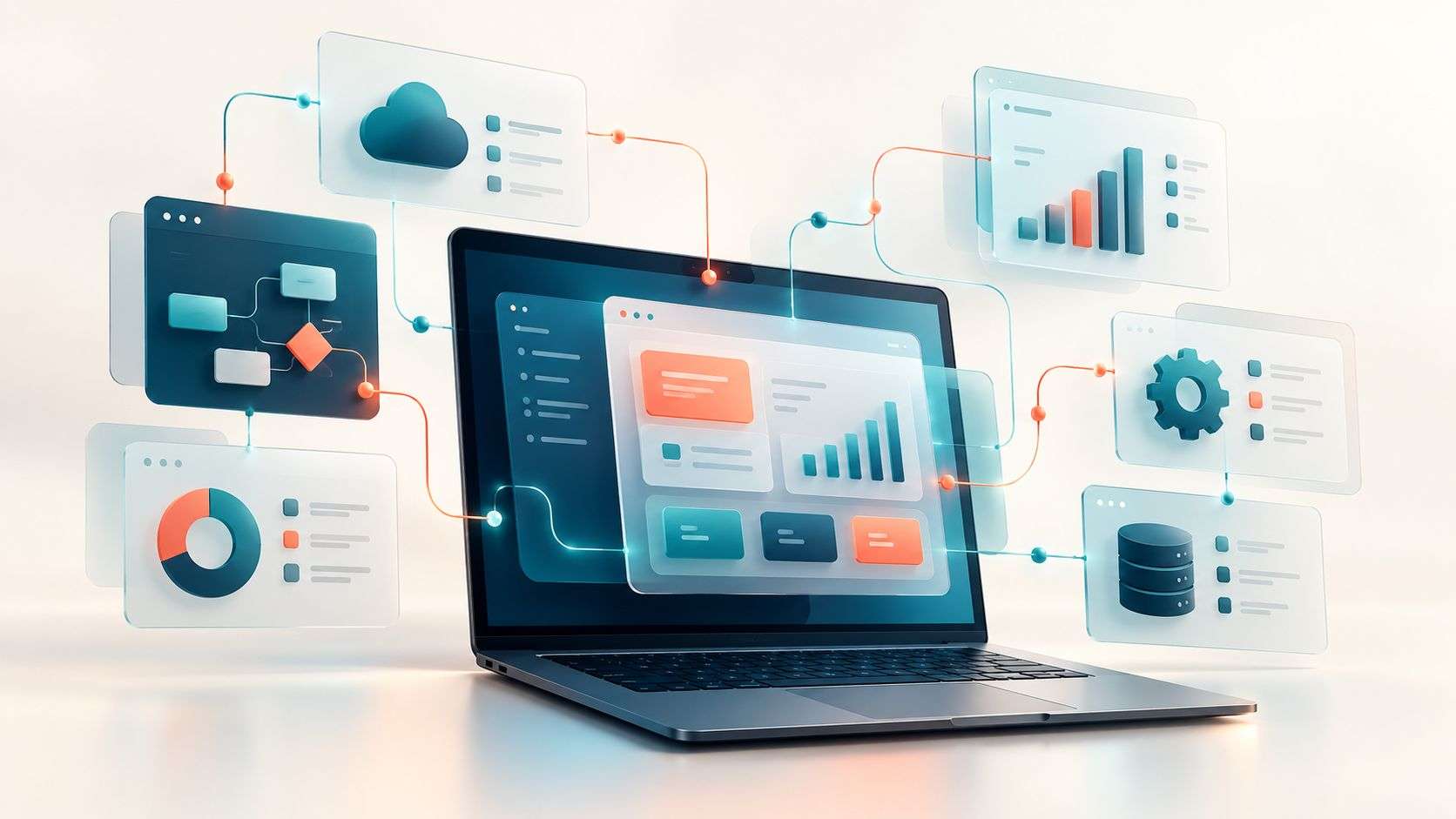
Legacy software is any older system your business still relies on but which has become hard to change, insecure or awkward to use. Modernisation keeps what works, such as your data, business rules and familiar processes, and upgrades or replaces what does not. Done in stages, it improves the system without stopping the business.
What counts as legacy software?
- Systems built on old versions of PHP, .NET, Access or similar.
- Desktop software that only runs on one office computer or server.
- Systems with no mobile access for staff out of the office.
- Software whose original developer has gone.
- Tools that cannot connect to anything else.
Why it matters
- Security: unsupported technology no longer receives fixes.
- Reliability: updates to browsers or servers can break it.
- Cost: changes take longer and specialist skills are scarce.
- Growth: the business works around the system instead of with it.
Our modernisation services
- Assessment: a plain-English review of risks and options.
- Stabilising: backups, security updates and monitoring.
- Upgrading: moving to supported technology.
- Mobile access: adding an app for staff on site.
- Cloud hosting: moving off an office server. See moving to the cloud.
- Staged rebuild: replacing one area at a time.
- Integrations: connecting to accounts, CRM and other tools.
For a step-by-step plan, see modernising without starting again.
From paper and old systems to connected apps
Force One moved from paper processes to a staff app and office system. Terry replaced spreadsheets and photos with the Fire Survey System, and now spends around 30 minutes on invoicing. Modernisation does not have to mean a huge project. It means the system finally fits how the business works.
An example from our work
Many of our projects start with paper forms, spreadsheets or an old system that only one person understands. Fire Survey System replaced days of manual report writing with an app clients sign on site. Modernising is often about the process as much as the code: we map how work happens now, then rebuild the parts that slow people down.
Checklist: signs your software needs modernising
- Only one person knows how the system works.
- It runs on an old server, operating system or version of Access.
- Staff cannot use it from a phone or away from the office.
- It does not connect to your other systems.
- Making small changes takes weeks or is not possible.
- You are worried about security updates or support ending.
How we work
We start by talking through how your business works today, then agree the scope, cost and timing in a written proposal. Before development, we design the screens so you can see how the system will work and suggest changes. We build in phases, handing over working sections for you to test, and at completion you receive the software, source code and database, with a month of support.
Common questions
Can you modernise software someone else built?
Yes, if the code and access are available. See taking over software.
Will we lose our data?
No. Data is backed up, migrated and checked before switching over.
Is it better to replace the system completely?
Sometimes. An assessment compares the cost and risk of each option.
Can modernisation be done in stages?
Yes. We often keep the existing system running while the most important parts are moved or rebuilt first, so daily work carries on.
Next step
If an old system is holding your business back, book a free 15-minute software review.