
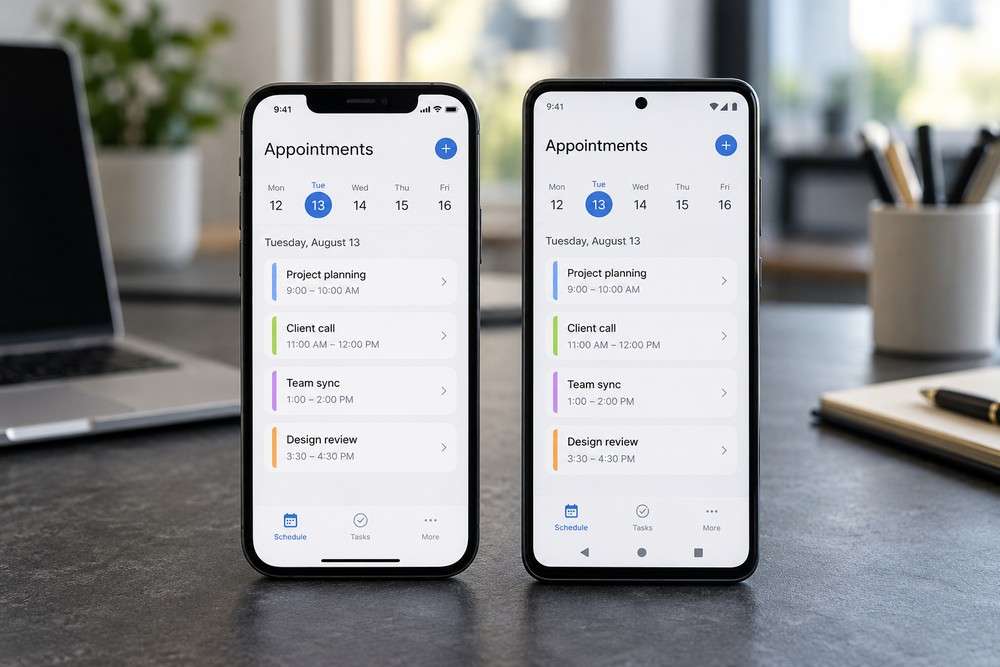
A customer may encounter your business on a phone while travelling, shopping or comparing options. If they cannot read the information or complete a simple task, a good offer can still be difficult to buy. Our free mobile optimisation guide helps you review that experience.
Use the free resource alongside this article:
Open the free guide or resource
Test the task, not just the appearance
Open your site on a phone and try the journey a customer would take. Can you find the service, read the important details and contact the business without unnecessary effort? Check forms, buttons, menus and any checkout or booking steps. A page that looks tidy can still fail when a button is hard to tap or a form asks for too much information. Ask another person to try a task without instructions; their hesitation can reveal something you overlook because you know the site. The older resource includes examples and figures from its publication period. Use the usability principles and current observations rather than treating old statistics as today’s measurements.
Three actions to try
- Test one important customer task on a phone.
- Check buttons, forms and contact links.
- Record the first difficulty and arrange a specific fix.
Questions and answers
Does mobile-friendly mean I need an app?
No. Begin by making the existing customer journey usable on a phone. A separate app is a different decision.
Where can I ask questions and find more free help?
Cofi Business Network is 100% free. You can meet other business owners, share experience and explore practical ideas. Join whether you are starting out or already running an established business.
Join the free Cofi Business Network
Join the Cofi WhatsApp group to connect with the network and receive updates. Read about Cofi Business Network and explore our free small business resources. For meeting information, email info@digitalsolutions.help.