
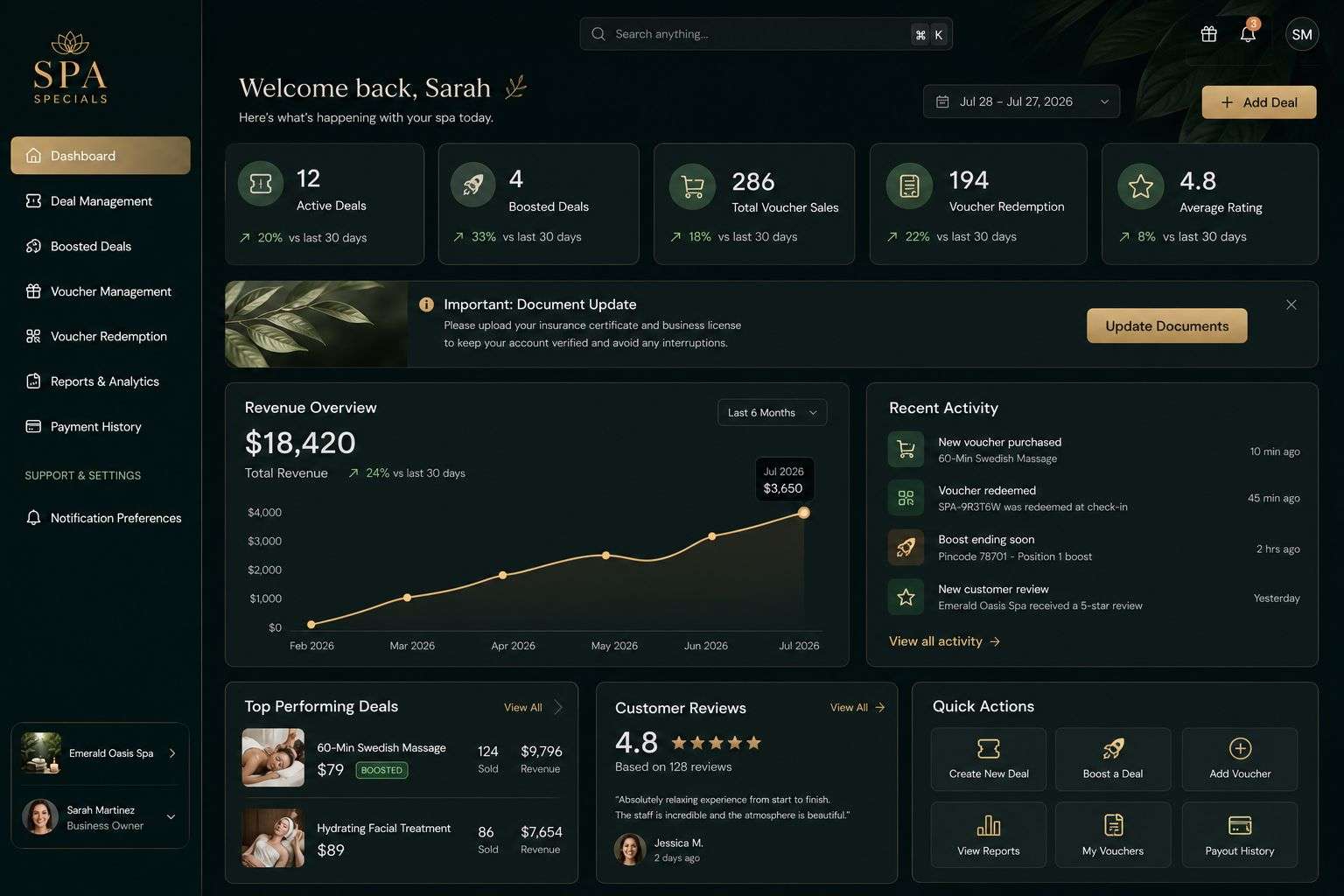
Business dashboard software brings selected information into one view so managers can see where work stands. A useful dashboard might show overdue jobs, unapproved quotes and upcoming commitments. Its value comes from helping someone make a decision.
Start by asking which questions managers struggle to answer today. A screen full of charts is less helpful than a clear list of work that needs attention.
Choose measures with an action attached
For each figure, write down what a manager would do if it changed. An increase in overdue jobs might lead to a workload review. A queue of unapproved quotes could prompt follow-up with the responsible person.
Distinguish counts, values and time periods. “Sales this month” needs a definition: orders accepted, invoices raised or payments received. Those are different measures and should not share an ambiguous label.
Make the information traceable
Users should be able to open the records behind a headline number. If the dashboard reports twelve overdue jobs, a click should show those jobs and the rule used to classify them.
Display when information was last updated. Where figures come from another system, account for delays and failed updates rather than presenting an old value as current. Missing information should be visible.
Design for different roles
A team leader may need today’s assignments and exceptions. A director may need trends across departments. Give each person a useful starting view rather than requiring everyone to work through the same screen.
Access to a dashboard should respect the permissions on its underlying records. A chart must not expose financial or customer information to someone who cannot view the source data.
Start with a small dashboard
Choose three to five decisions your first dashboard should support. Agree definitions with the people who own the records and compare the figures against a familiar report before using them operationally.
Include filters that match the business, such as team, location and date range. Digital Solutions can help create dashboards within bespoke business software, with clear links between summary figures and the records behind them.