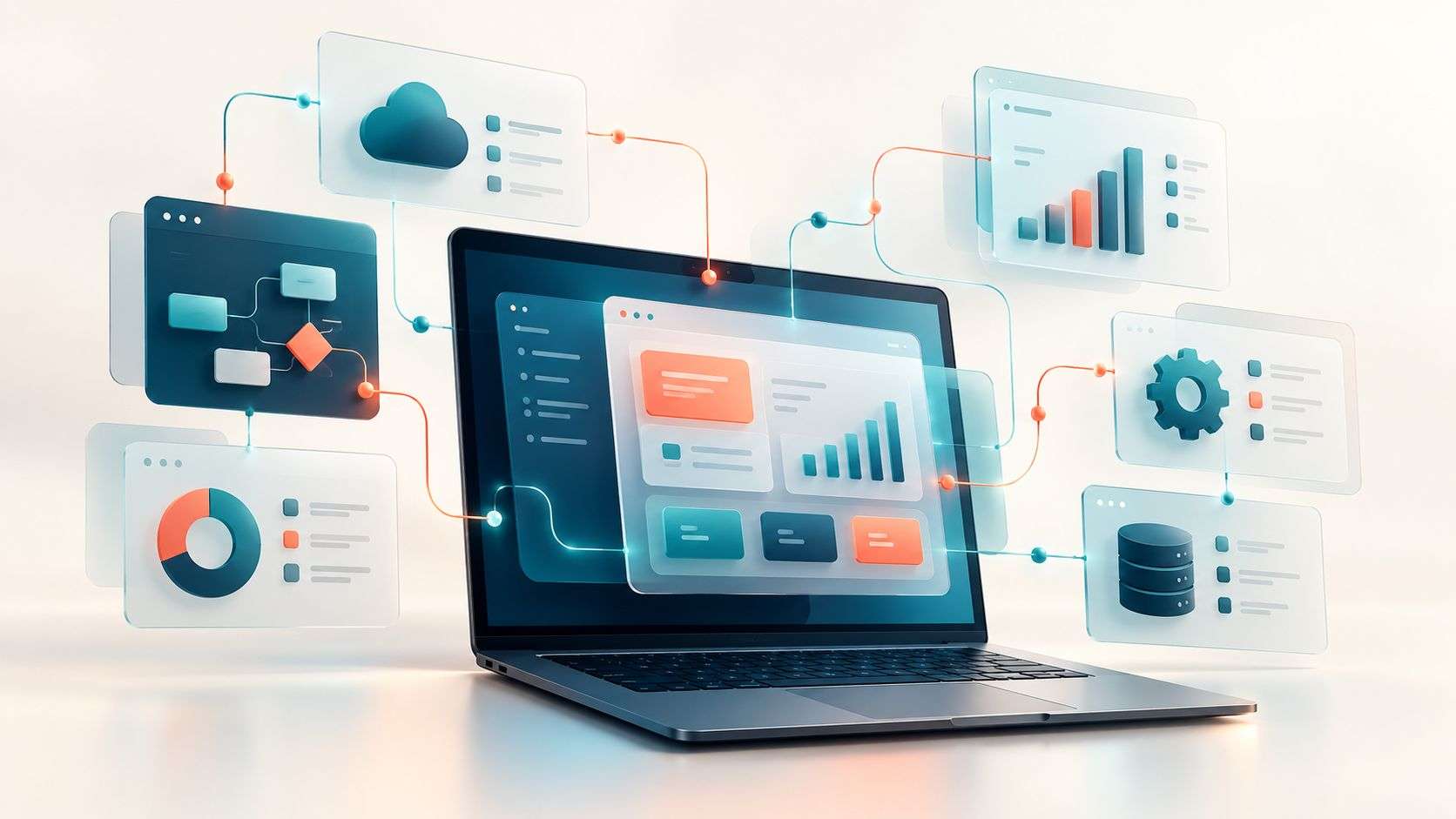
Orders, documents and progress updates need a clear relationship in a portal. A customer should be able to tell which job they are viewing, which document is current and whether an action is required from them.
For a business that handles regular enquiries, approvals or paperwork, a portal can make communication clearer. The important starting point is deciding which tasks customers should be able to complete themselves.
What should a customer portal include?
A useful first version focuses on the questions your team answers most often. If customers regularly ask whether a job is booked or a document is ready, make those answers easy to find.
- Order or job status, with an explanation of the next step.
- Documents such as quotes, reports and invoices.
- Requests that customers can submit and track.
- Approvals, with a clear record of what was accepted.
- Contact details and a way to ask for help.
You do not need to include every possible feature at launch. A portal that handles one important process well is easier to introduce than a large system customers struggle to use.
Connect the portal to your admin panel
Customer portal development should include the staff workflow behind each screen. When a member of your team changes a job status, decide whether customers see that change immediately or after an internal check.
For example, a servicing business could let customers view appointments, download completed reports and approve additional work. Staff would manage bookings and reports through an admin panel. Internal notes would stay within the team.
Where you already use a CRM or another business system, check how records will be shared. Agree which system holds the authoritative customer details, so a change of address does not leave different versions in different places.
Make access clear for each customer
Customers should only access the records they are entitled to see. Plan access checks throughout the system, including document downloads, rather than relying on hiding links on a screen.
Some customers may need several users within one organisation. An account manager might approve work, while another employee only views reports. Decide these roles before development starts and include account recovery and removal of former users in the plan.
Help customers adopt the portal
Keep the sign-in process straightforward and explain the benefit when inviting a customer. A short message such as “View your latest report and upcoming appointments here” is more useful than a long list of features.
Provide a familiar support route for people who need help. During an initial rollout, ask a small group of customers to complete real tasks and note where they hesitate.
Measure whether it helps
Track completed customer tasks, repeated progress enquiries and the time staff spend finding documents. These measures show whether the portal improves your process, rather than simply recording how many accounts have been created.
Digital Solutions develops bespoke software, mobile apps and admin panels. We can help you define a customer portal around the information your clients need and the work your team manages.
Talk to Digital Solutions about your customer portal.
Separate information from an action requiring approval
A progress message may only need to be read. A revised quotation may need an explicit response. Define these as different tasks, with an appropriate office record of the customer’s action.
Work through what happens when a document is replaced after someone has viewed it. The portal should present the current version clearly, while any record of an earlier approval remains understandable.
Plan the office process that keeps the portal accurate
Decide who publishes updates, where order status comes from and which internal notes stay within the business. Connecting to an existing system can be considered after its interfaces and permissions are checked. A portal does not become current simply because a page exists.
Related reading
Membership and Club Management Software
Explore our custom software development and mobile app development services, or email info@digitalsolutions.help.