
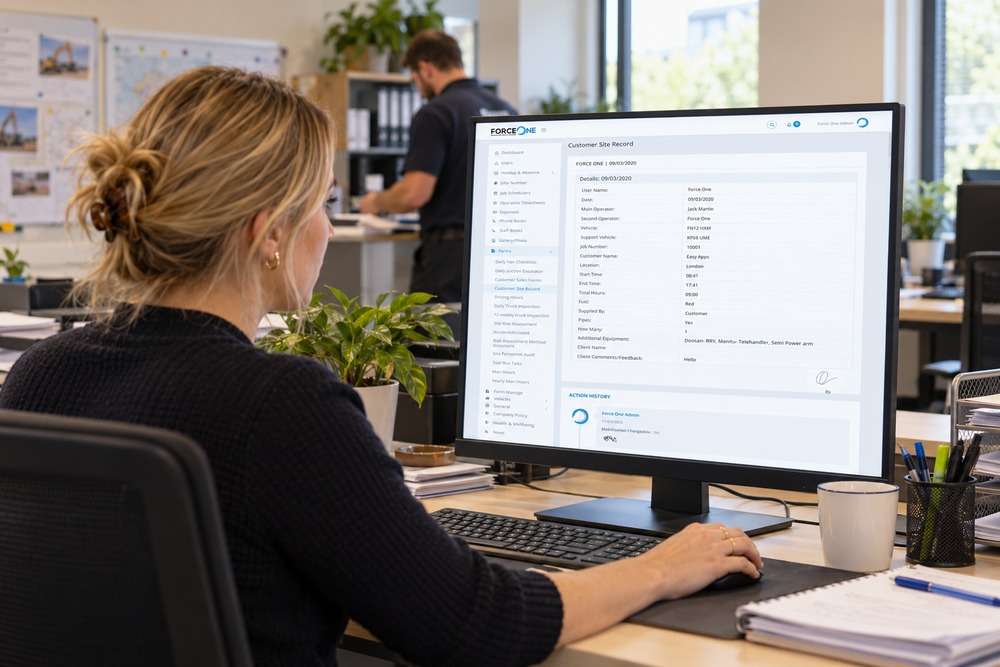
Your sales team wants a better way to follow up enquiries. Your customers want somewhere to find documents and check their account. Both involve customer information, but they are different requirements. Choosing between a customer portal and CRM starts with deciding who needs to do what.
Who is the system for?
A CRM is primarily a working system for your team. It can record enquiries, conversations, opportunities and follow-up tasks. Staff use it to understand the customer relationship and decide what happens next.
A customer portal gives customers access to selected information and actions. They might download a report, submit a request or approve a quotation. They should only see the records and options intended for their account.
Follow one enquiry through your business
Imagine a property maintenance company receives an enquiry. A CRM could assign it to a member of staff, record a site visit and remind the team to follow up the quotation. After the customer agrees to proceed, a portal could let them view agreed documents and submit information needed for the job.
The CRM manages the relationship internally. The portal supports the customer journey. A business may need both, but that does not necessarily mean buying or building two separate systems.
When should you start with a CRM?
Start here when staff cannot reliably see who owns an enquiry, what has been discussed or which follow-ups are overdue. Giving customers another login will not resolve an unclear internal sales process. First agree the stages, responsibilities and information staff need.
When should you start with a portal?
A portal is worth investigating when customers repeatedly ask for information already held in your system, or need a secure route to submit and approve records. First check whether your existing software already provides suitable customer access.
How should the two work together?
Decide which system owns each record. If a customer changes their contact details in the portal, should the CRM update immediately or should staff review the change? Keep internal notes separate from customer-visible updates. Test access using accounts from different customers before launch.
A useful starting point
Write down three tasks for staff and three for customers. Then compare existing tools against those tasks. This gives you a clearer brief than asking for a portal or CRM without defining the work behind it.
Explore our customer portal development and customer enquiry management software for related requirements.