
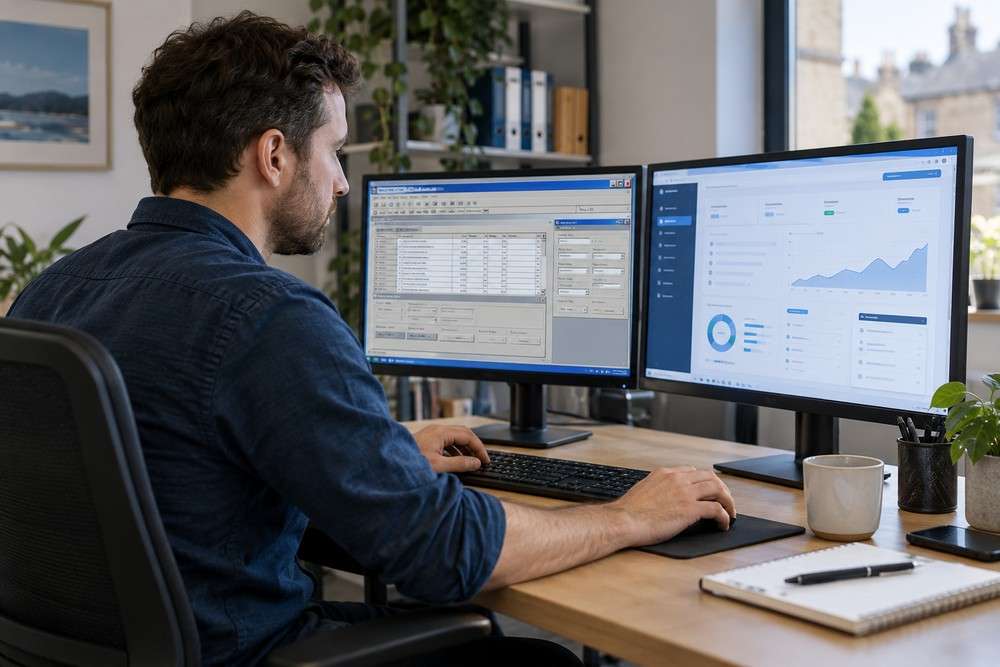
Replacing office computers can expose dependencies in older business software. An application may rely on an old operating system, a specific database driver, a local file path or a device connection that the new machine does not provide.
Test compatibility before replacing every device
Choose a representative computer and check the entire workflow. Opening the application is only the first test: printing, exports, shared files and connected equipment may fail later. Check supported platforms and licence conditions before choosing a workaround.
Practical checks
- Record the application and operating system versions.
- Check database drivers, runtimes and required permissions.
- Test printers, scanners and file imports.
- Verify that business records and settings transfer correctly.
Questions and answers
Can we keep an old computer just for this application?
That may provide a temporary bridge, but assess support, security and recovery limitations. It should not become the only undocumented way to operate a critical process.
Would virtualisation help?
It can be an option for some applications, subject to licensing, hardware dependencies and supportability. It does not remove the need to maintain and protect the underlying system.
Discuss your existing software
Digital Solutions can review the available system and discuss an appropriate next step. Feasibility, access requirements and the scope of any chargeable investigation are agreed before work proceeds.
Explore our software support, project rescue and modernisation services.
Book a free 15-minute software review or contact Digital Solutions.